Your to-do list has no idea what you did today.
It's 11 p.m. You've written a client proposal. It needs one more pass. Your to-do list has an update for you... an empty checkbox.
At SkyRockit, we don't think that's fair. So we show you how far you got and what's left to do. Tomorrow, you'll know exactly where to start.
Card required. Cancel before day 15 and you won't be charged.
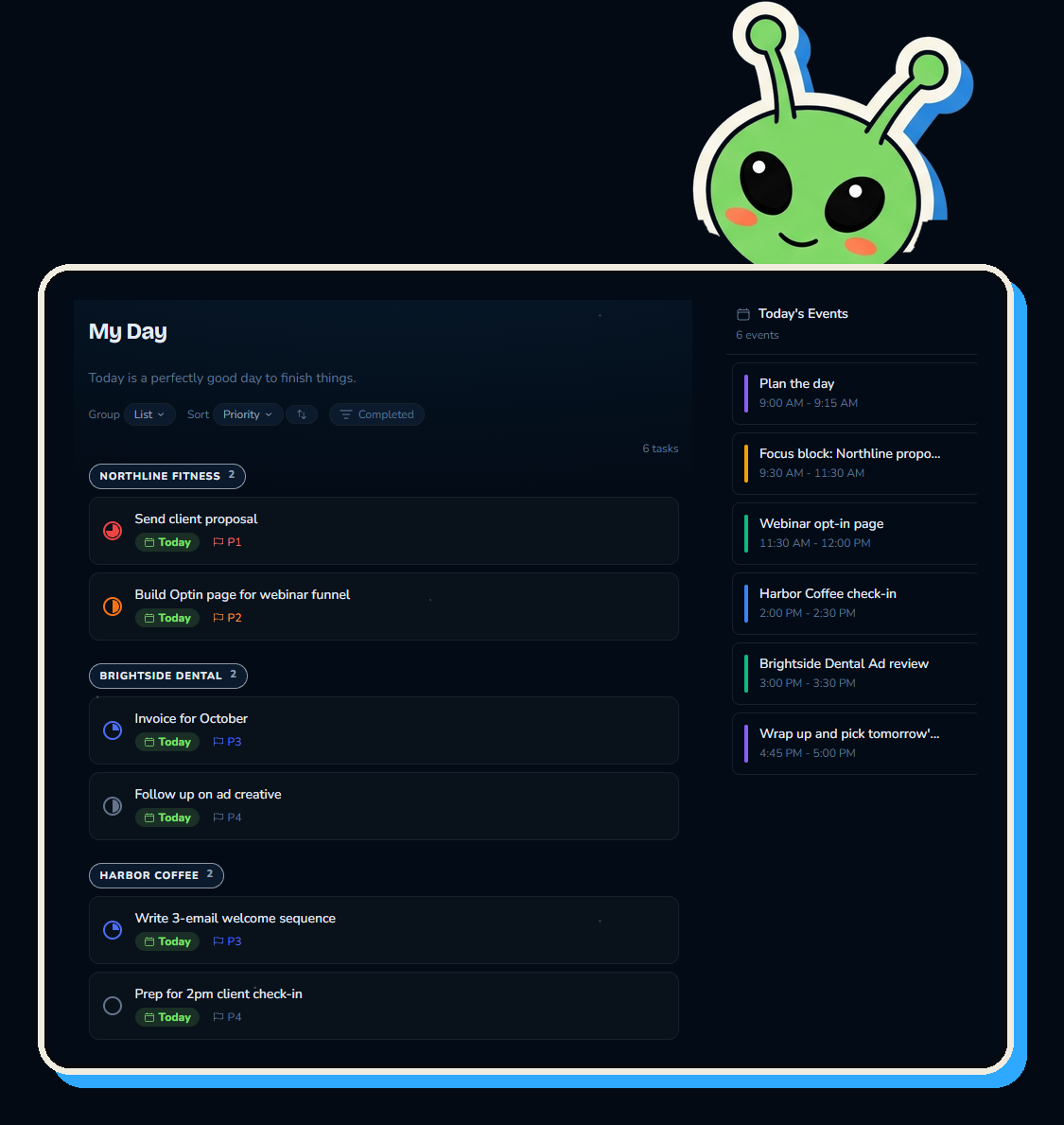
Five checkmarks. One unfinished task. Guess which one is keeping you up.
You had six things to do today. You finished five. The sixth was the big one, a client proposal. You didn't finish it, but you moved it a long way. You worked out the scope. You redid the pricing twice.
Your task app sees it differently. Five done. One not done. As far as it knows, you never touched the proposal.
That's the Binary Trap. A checkbox only sees two things. Done and not done. Everything you did in between disappears.

Ever look at your to-do list and wonder if you're the problem?
When you freelance, nobody sees the rough draft of a client proposal or the hour you spent getting the numbers right. You know you did the work. Then you look at your to-do list and think, How am I still so behind?
It's not you.
You're just opening a to-do list that makes a nearly finished proposal look like a blank page. Of course it feels like you're not making progress.
You've got one pass left on the proposal. Would be nice if your list knew that.
Give yourself credit for work that's still underway.
In SkyRockit, every task gets a circle that fills in slices. Give it a tap when you've made progress. One slice fills in. You decide what each one means.

Send client proposal
Not started
Tap the circle to fill a slice.
You choose what counts.
For a client proposal, you might count a slice when you start the draft, another when the draft is ready, a third after revisions and the last when you send it.
- Draft started
- Draft ready
- Revisions done
- Proposal sent
You choose what counts for each task. The circle's colour comes from the task's priority.
Zinky would like to talk about car washes.
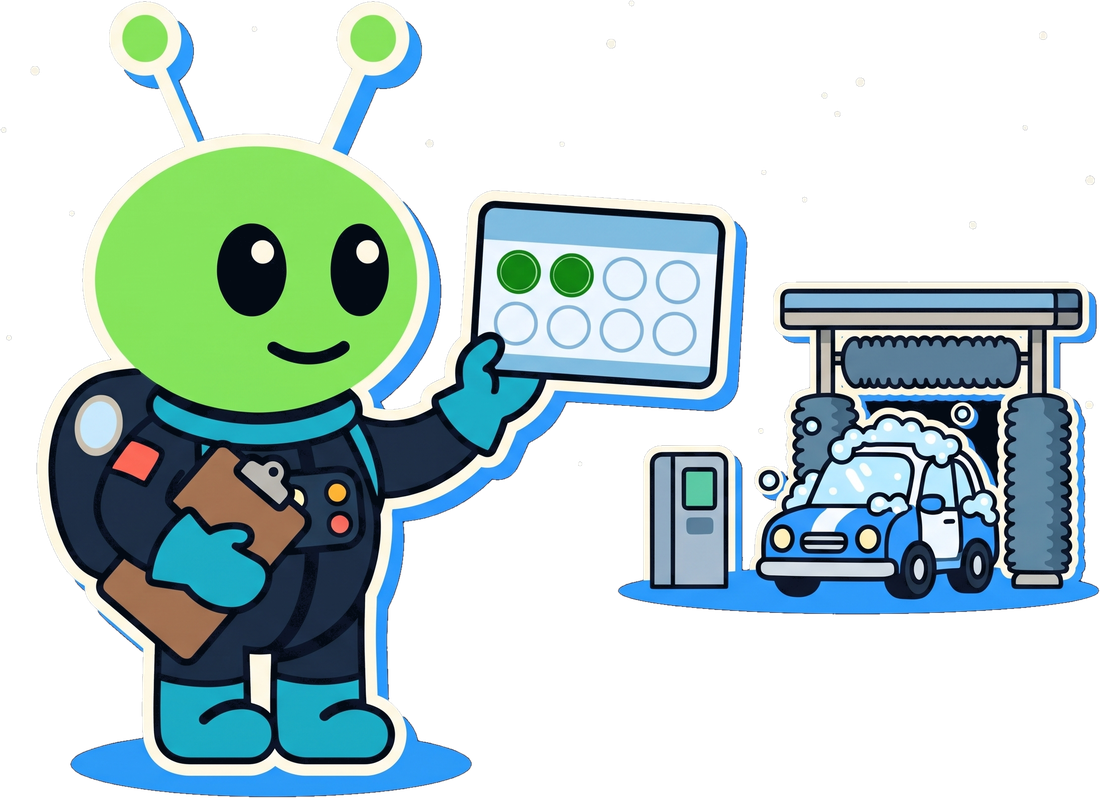
In one car-wash study, customers got a loyalty card and earned a stamp for each wash. Some got a blank card with eight spaces. Others got a ten-space card with two stamps already filled in. Both groups needed eight washes to earn a free one.
Nineteen percent finished the blank card. Thirty-four percent finished the card that looked like it was already underway.
In SkyRockit, those first slices can motivate you to get the task done.
How do you pick up where you left off?
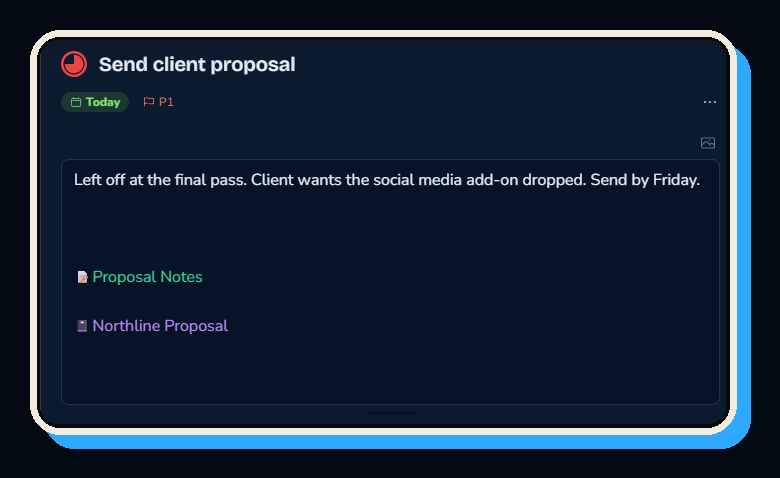
You've been working on a client proposal for twenty minutes. Now it's time for a scheduled call. You don't want to lose where you are or what you've done. How do you keep track?
Tap the circle to mark how far you got. Jot down where you stopped in a note linked to the task. After the call, open the task and pick up right where you left off.
With SkyRockit Pro on the web, use [[ ]] to link a task to a note or journal entry. Jump from the task to the note, and back again.

For everything else that came in today
Use Inbox to catch the next request, My Day to pick what you'll work on today, and Workspace to keep client projects in their own lists. See what's coming up in Calendar.
Keep the notes with the work
Pro adds Notes, Journals, Media and Vault on the web. Switch on the modules you use.
From Paul, the founder
I wanted my client briefs beside the tasks they went with.
I build funnels and run campaigns for clients. My tasks lived in Todoist. My notes lived in Obsidian. Both were good. But every time I opened a client task, I had to go hunting for the brief that went with it.
So I built my own task app, with room for notes on every task. I left Todoist the day it worked. Then I built a full Notes module and linked it to tasks. Then Journals, the same way. Now I keep a daily record of what I did for each client, right beside the work.
The Momentum circle came from too many nights looking at a list that said I'd done nothing. I knew better. I wanted my list to know too.
Paul Simoes
Founder of SkyRockit
How do you keep track of your client work?
Both plans put Momentum on every task. Try the plan you choose free for 14 days.
$7 USD/month
If your freelance day runs on client tasks, Core is for you. At the end of the day, you can see what moved, even if plenty is still open. So you stop ending the day feeling behind.
- My Day, Inbox, Workspace and Calendar
- Momentum on every task
- Available on web and Android
Card required. Your plan's monthly price starts on day 15 unless you cancel before then.
$19 USD/month
If your client briefs, call notes and project history live in different apps, Pro is for you. Open a task and find the notes that go with it. You can also keep a daily record of what you did for each client, so the next time someone asks where things stand, you've got somewhere to look.
- Everything in Core
- Notes, Journals, Media and Vault
- Every future module included
Use SkyRockit in your browser for Notes, Journals, Media and Vault. The Android app has the Core tools.
Start Pro trialCard required. Your plan's monthly price starts on day 15 unless you cancel before then.
One trial per person. Google Play shows pricing in your local currency.
Zinky has the boring answers.

Can I bring over my tasks from another app?
Not at the moment, but we're working on it. For now, pick one live client project and add the tasks you want to try it with.
Will I have to update my progress myself?
Yes. Tap the circle on a task when you move the work forward. Each tap fills a slice. You decide what each slice means.
Can I use SkyRockit on my phone?
SkyRockit is available on the web and on Android through Google Play. The Android app has the Core tools. Notes, Journals, Media and Vault are available on the web today. There's no native iPhone app.
Can I use it with my team?
SkyRockit is built for one person managing their own work. It has no shared team workspace.
When will I be charged?
Your first 14 days are free on the plan you choose. A card is required. If you continue, your monthly subscription begins on day 15. One trial per person.
Do you offer refunds?
No. That's what the 14-day trial is for. Try it on real client work, and if it's not for you, cancel before day 15. You won't be charged. If you cancel later, you keep access until the end of the month you've paid for.
How do I cancel?
If you signed up on the web, cancel in your account settings. If you subscribed on Android, cancel in Google Play under Payments and subscriptions. Cancel before day 15 to avoid the first charge.

Leave yourself a better list for tomorrow.
Start with one client task you keep moving to tomorrow. When you make progress, tap the circle beside the task to fill a slice. Next time you open your list, you'll know how much is already behind you.
Start your 14-day trialCard required. Cancel before day 15 and you won't be charged.